


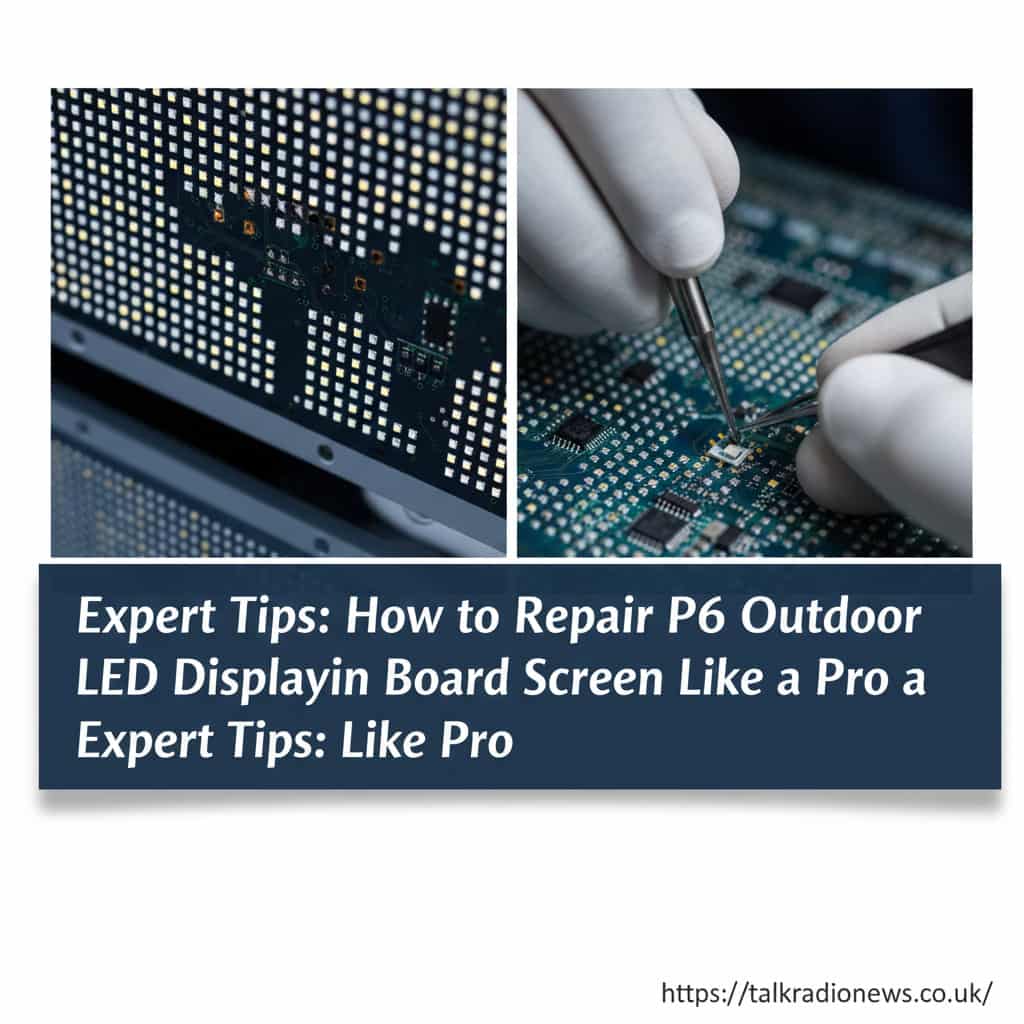
Outdoor LED signs are everywhere these days. You see them outside schools, churches, businesses, and shopping centers. When they are working perfectly, they look amazing. But when a section goes dark or starts flickering, it can look unprofessional. If you are dealing with a faulty screen, you might be wondering how to repair p6 outdoor led display sign board screen without spending a fortune on a technician. The good news is that many common issues are fixable with some basic tools and patience.
- Understanding Your P6 Outdoor LED Display
- Diagnosing the Problem: What Does the Screen Look Like?
- Tools You Will Need for the Job
- Step-by-Step: Replacing a Dead LED Module
- Troubleshooting Power Supply Issues
- Fixing Data Signal Problems
- Addressing Color Issues and “Pink” Screens
- Waterproofing and Sealing
- Preventive Maintenance Tips
- Comparison: DIY Repair vs. Professional Service
- Dealing with Dead Pixels
- Software Configuration Issues
- Spare Parts Strategy
- When to Call for Help
- Conclusion: You Can Do This!
This guide will walk you through the process step-by-step. We will cover safety, troubleshooting, and the actual repair steps. Whether you are a business owner or a maintenance staff member, you can learn to get your sign back to its bright, colorful self.
Key Takeaways
- Safety first: Always cut power before opening the display.
- Diagnosis: Most issues are related to power supplies, ribbon cables, or individual modules.
- Tools: You don’t need expensive equipment, just basic screwdrivers and a multimeter.
- Maintenance: Regular checks can prevent future failures.
Understanding Your P6 Outdoor LED Display
Before you dive into the repairs, it helps to know what “P6” actually means. In the LED world, “P” stands for pixel pitch. A P6 screen has pixels that are 6mm apart from each other. This density is great for outdoor signs because it offers a clear image from a moderate distance. These screens are built to be tough, but weather and time can still cause wear and tear.
Outdoor screens are modular. This means the big screen is actually made up of many smaller square panels called modules. These modules snap together like building blocks. Behind them, you have power supplies, receiving cards, and a lot of cabling. Understanding this structure is half the battle when learning how to repair p6 outdoor led display sign board screen effectively.
Safety Precautions Before You Start
Electricity is dangerous, especially with outdoor signs that run on high voltage. Before you touch anything, you must turn off the main breaker. Never try to repair a live screen. It is also smart to wear rubber-soled shoes and avoid working in the rain. Even though the sign is “outdoor rated,” the internal components are sensitive to moisture once the cabinet is open.
Make sure you have a sturdy ladder or lift if your sign is high up. Falling is a bigger risk than electric shock for many sign technicians. If you are unsure about the height or the electrical safety, it is always better to call a pro.
Diagnosing the Problem: What Does the Screen Look Like?
The first step in fixing anything is figuring out what is wrong. LED signs usually fail in specific patterns. Is the whole screen black? Is just one square dark? Are the colors weird?
First, if the entire sign is off, check the main power source. Next, if only a specific section is out, it is likely a power supply unit inside the cabinet feeding that area. Finally, if you notice a checkerboard pattern or random flickering, the issue is usually data-related and may involve the receiving card or ribbon cables.
Common Failure Modes
- Dead Module: A single square is dark.
- Color Distortion: One section is pink or green instead of white.
- Flickering: A section blinks on and off.
- Line Defects: A horizontal or vertical line of pixels is dead.
Tools You Will Need for the Job
You cannot do good work without good tools. Fortunately, you don’t need a factory lab to fix these signs. Here is a basic checklist:
- Phillips head screwdriver (usually magnetic is best)
- Multimeter (for checking voltage)
- Spare P6 LED modules (always keep spares!)
- Spare ribbon cables
- Replacement power supply (5V 40A or 60A usually)
Having these items ready will make the process of figuring out how to repair p6 outdoor led display sign board screen much smoother. You won’t have to run back and forth to the shop.
Step-by-Step: Replacing a Dead LED Module
The most common repair is swapping out a bad module. A P6 module is usually a square panel about 192mm x 192mm. If one goes bad, it makes the whole sign look terrible.
- Open the Cabinet: Most outdoor screens have rear access doors. Open the door behind the broken section.
- Locate the Module: Find the square that corresponds to the dark spot on the front.
- Disconnect Cables: You will see a flat ribbon cable (data) and a red/black wire (power). Unplug them gently.
- Unscrew the Module: Remove the four screws holding the module to the frame.
- Push it Out: Push the module gently toward the front of the sign. Be careful not to drop it!
Once the old one is out, reverse the steps to put the new one in. Make sure the arrows on the back of the new module point in the same direction as the old ones. This arrow indicates the data flow direction.
Troubleshooting Power Supply Issues
If a large block of modules is dark (like a 2×2 or 2×3 area), it is rarely the modules themselves. It is usually the power supply feeding them. Inside the cabinet, you will see silver metal boxes with wires coming out. These are the switching power supplies.
Use your multimeter to check the output terminals. They should read close to 5 Volts DC. If you get 0 Volts, check the input AC voltage (110V or 220V). If AC is coming in but no DC is coming out, the power supply is dead.
How to Swap a Power Supply
- Cut Power: Seriously, double-check this.
- Label Wires: Take a picture or use tape to label which wires go where (V+, V-, L, N, Ground).
- Disconnect: Unscrew the wires from the terminal block.
- Replace: Screw the new power supply into the cabinet.
- Reconnect: Attach the wires exactly as they were.
If you are unsure about electrical wiring, consult resources like OSHA’s electrical safety guide for safety standards.
Fixing Data Signal Problems
Sometimes the screen lights up, but the image is scrambled or flickering. This is often a data issue. The signal travels from the sending card (in your computer or control box) to a receiving card in the sign, and then chains from module to module via ribbon cables.
If the first module in a row is bad, it stops the signal from reaching the rest of the row. This can make a whole line of modules look dead. When learning how to repair p6 outdoor led display sign board screen, remember that data flows like water in a pipe. A blockage at the start affects everything downstream.
Checking Ribbon Cables
Ribbon cables are fragile. The connectors can get loose or corroded. Try unplugging and re-plugging the ribbon cable on the affected modules. If that fails, replace the cable with a new one. It is a cheap fix that solves 50% of flickering issues.
Addressing Color Issues and “Pink” Screens
Have you ever seen a white screen that looks pinkish in spots? This usually means the Green or Blue LED chip is not firing correctly, or a resistor on the module is bad. If it’s just one module, replace it.
However, if a large section has the wrong color, it could be a loose connection on the ribbon cable. If one pin on that cable isn’t making contact, you might lose the “Green” signal for that whole section.
Calibration and Configuration
Sometimes the hardware is fine, but the software configuration file (RCTG or RCG file) is wrong. If you replaced a receiving card, you might need to reload the configuration file provided by the manufacturer. Without the right “map,” the computer doesn’t know how to talk to the pixels.
Waterproofing and Sealing
After you finish your repair, you must ensure the sign is watertight again. Outdoor P6 screens rely on rubber gaskets on the modules and tight doors on the cabinets.
If you replaced a module, check that the rubber ring on the back is seated correctly. If you opened the rear door, make sure the foam seal isn’t torn. Water is the enemy of electronics. A tiny leak today is a dead sign tomorrow.
Preventive Maintenance Tips
You don’t want to be constantly searching for how to repair p6 outdoor led display sign board screen every month. Preventive maintenance keeps your sign healthy.
- Clean the Intake Fans: Dust clogs the fans, leading to overheating.
- Check Seals: Inspect door seals every 6 months.
- Tighten Screws: Thermal expansion can loosen terminal screws over time.
For more on maintaining electronics in outdoor environments, you can check guides from industry bodies like the International Sign Association.
Comparison: DIY Repair vs. Professional Service
Is it worth fixing it yourself? Here is a breakdown.
Feature | DIY Repair | Professional Service |
|---|---|---|
Cost | Low (Cost of parts only) | High ($150+ per hour usually) |
Time Required | High (Learning curve) | Low (Done quickly) |
Risk | Moderate (Could break more parts) | Low (Insured work) |
Tools Needed | Basic hand tools | Specialized diagnostic tools |
Best For | Swapping modules/cables | Complex software/electrical issues |
Dealing with Dead Pixels
A “dead pixel” is a tiny black dot where one LED lamp has failed. On a P6 screen, a single dead pixel is hard to see from a distance. If you have just one or two, it might not be worth the effort to replace the whole module.
However, when a cluster of dead pixels appears, it often looks like a black smudge; in such cases, module replacement is the only realistic solution, as soldering a new tiny LED lamp onto a P6 board is extremely difficult without factory tools.
Software Configuration Issues
Sometimes the screen is physically fine, but it looks jumbled because the receiving card settings are wrong. This often happens if you replace a receiving card.
You will need the control software (like NovaLCT or LEDStudio). You must load the correct .rcfg file that matches your P6 specifications. If you don’t have this file, ask your supplier. Guessing the settings is nearly impossible.
Spare Parts Strategy
Smart sign owners keep a “survival kit.” When you buy a screen, the manufacturer usually includes spare parts. Do not lose these!
If you used up your spares, order more before you need them. LED batches change color slightly over time. A module you buy today might be a slightly different shade of white than the one you bought three years ago. Having spares from the original batch ensures the colors match perfectly when you figure out how to repair p6 outdoor led display sign board screen issues later on.
When to Call for Help
If you smell smoke, see sparks, or if the main breaker keeps tripping, stop immediately. These are signs of a serious electrical short. This is beyond basic module swapping and requires a certified electrician.
Also, for more general news on technology and industry updates, you can visit sites like talkradionews to stay informed on broader trends.
Advanced Troubleshooting: The Receiving Card
Each cabinet has a receiving card that distributes data to the modules. If a whole cabinet is acting weird (weird colors, totally black while others work), the receiving card might be the culprit.
Most cards have a small test button on them. Pressing it will cycle the cabinet through Red, Green, Blue, and White test patterns. If the test patterns work, your modules and power are fine, and the issue is the data cable coming into the cabinet. If the test button does nothing, the card or its power source is bad.
Checking the Main Controller
The sending box or video processor is the brain. If the whole screen is frozen or black, check the connections at your computer or video processor. Ensure the DVI or HDMI cable is plugged in tight. Sometimes the issue is just a Windows display setting—make sure your computer is set to “Duplicate” or “Extend” the display correctly.
Conclusion: You Can Do This!
In practice, repairing a P6 LED screen may sound intimidating; however, it is mostly just swapping parts. The modular design is there to help you. By isolating the problem—whether it is power, data, or a specific module—you can usually fix the issue in under an hour.
Remember to prioritize safety, keep your spare parts organized, and perform regular checks. Learning how to repair p6 outdoor led display sign board screen problems saves you money and keeps your business looking sharp. With a little practice, you will be the expert everyone relies on to keep the lights on.
FAQ
Q: Can I repair a P6 module if water got inside?
A: Usually, no. Once water corrodes the circuit board traces, the module is unreliable. It is cheaper and safer to replace the module entirely.
Q: Why is my new module a slightly different color than the old ones?
A: LEDs lose brightness over time. A brand new module is 100% bright, while your old ones might be at 90%. You can sometimes adjust the brightness of the new module in the software to match, or use “pixel-by-pixel” calibration if your system supports it.
Q: How often should I inspect my outdoor LED sign?
A: A quick visual check should be done weekly. A thorough internal inspection (checking fans and seals) should happen every 3 to 6 months depending on your local weather conditions.
Q: My screen shows “No Signal.” What do I do?
A: Check the ethernet cable running from your controlling computer to the first cabinet. As part of the troubleshooting process, ensure the sending card (inside the computer or processor) displays a green flashing light, which confirms it is functioning correctly.
Q: Is it safe to repair the screen while it is raining?
A: No. Never open the waterproof cabinets during rain or high humidity. You risk damaging the internal components and electrocuting yourself. Wait for dry weather.














Leave a comment